Gradebook: assignments & scores
Everything a student earns in a subject lives here. You create assignments, enter scores, and at term-end those grades roll up into the report card.
~9 minStaff ConsolePer subject
Everything a student earns in a subject lives here. You create assignments, enter scores, and at term-end those grades roll up into the report card.
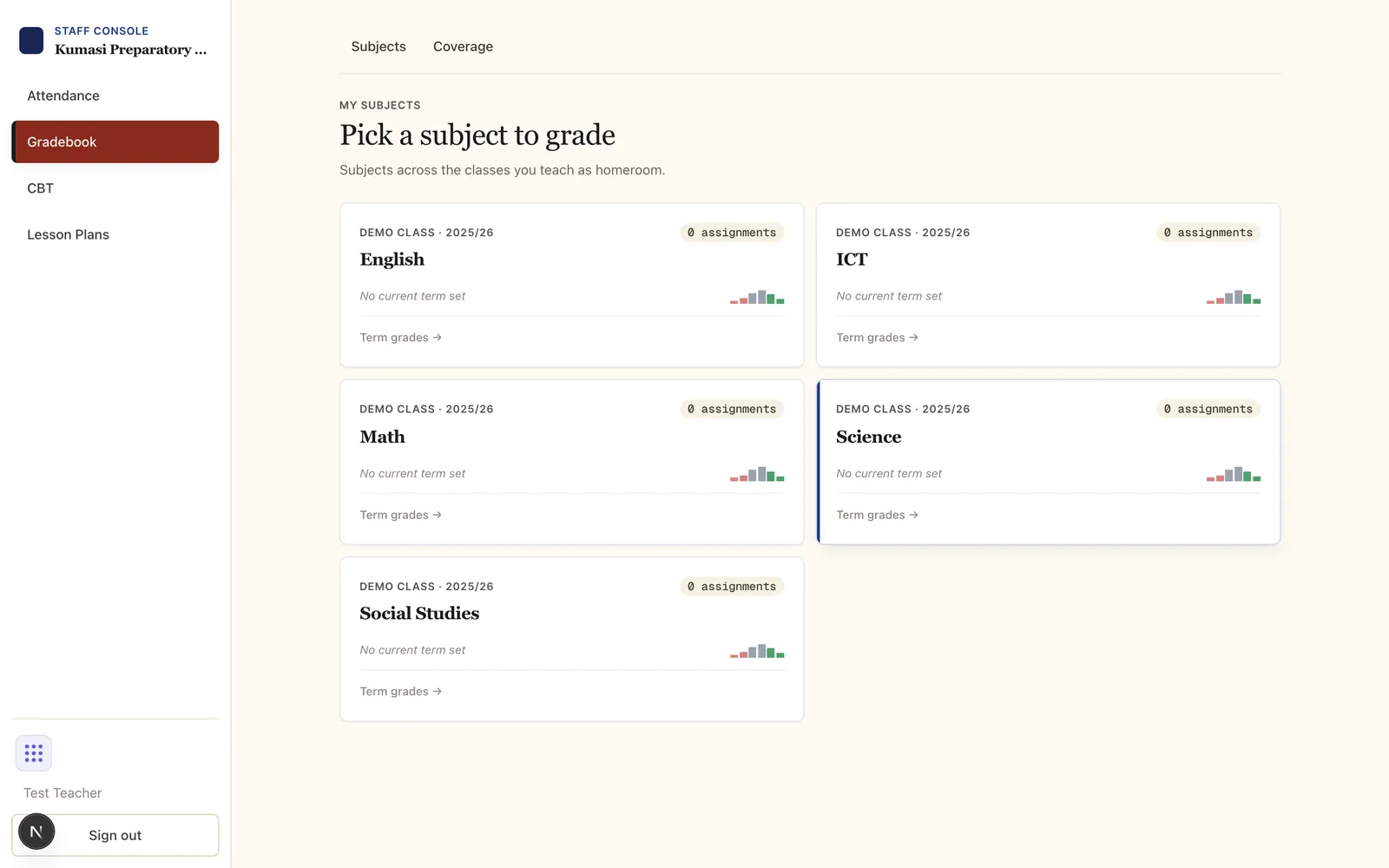
Open Gradebook. You see a card for each subject across the classes you teach. Open one to see its assignments for the current term (use the term selector to change term).
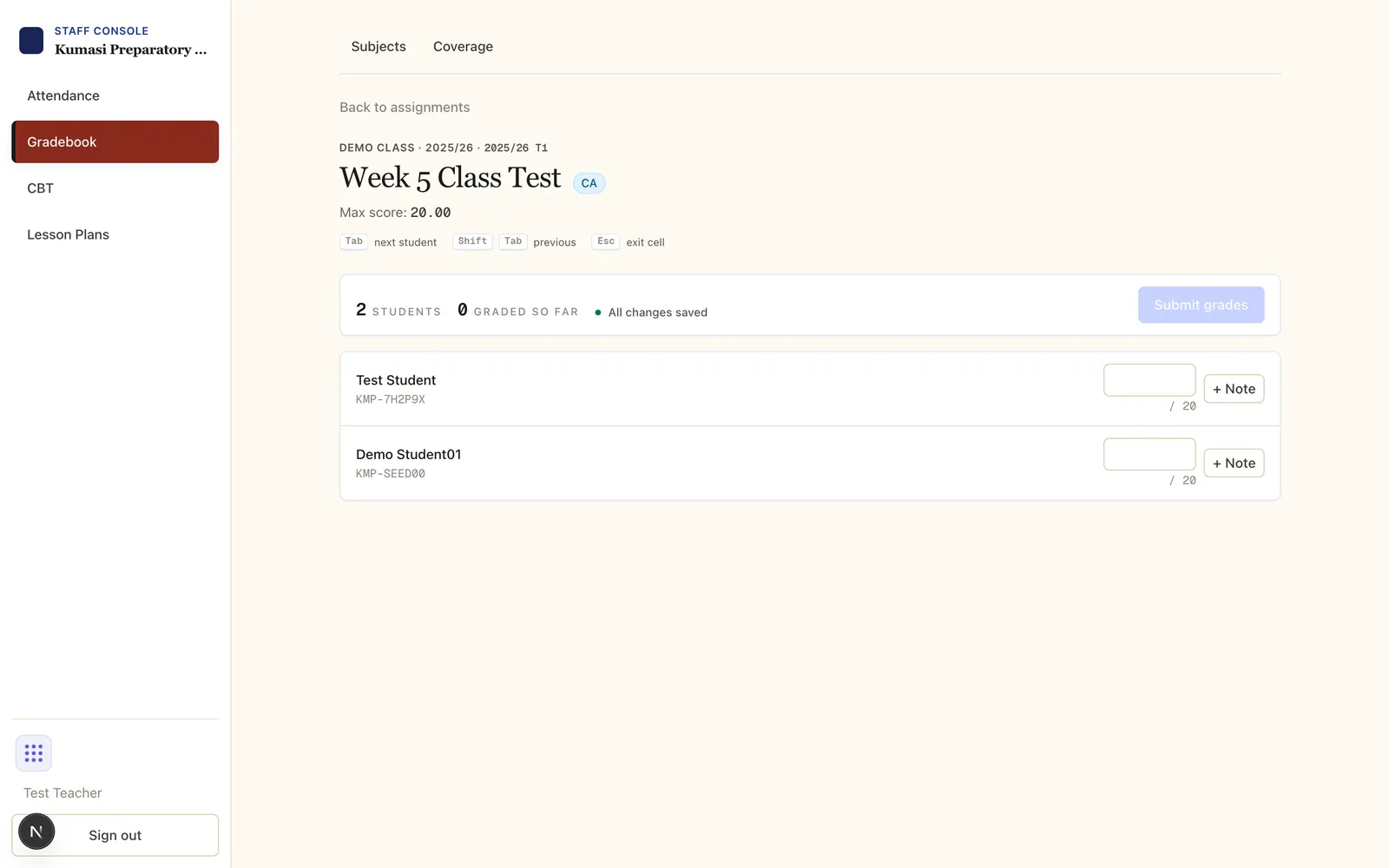
The grade grid lists every enrolled student. Type each score (out of the max), and save. The assignment list shows a graded / roster count so you can see what's still outstanding — the same figure drives the portal's Grade now prompts.
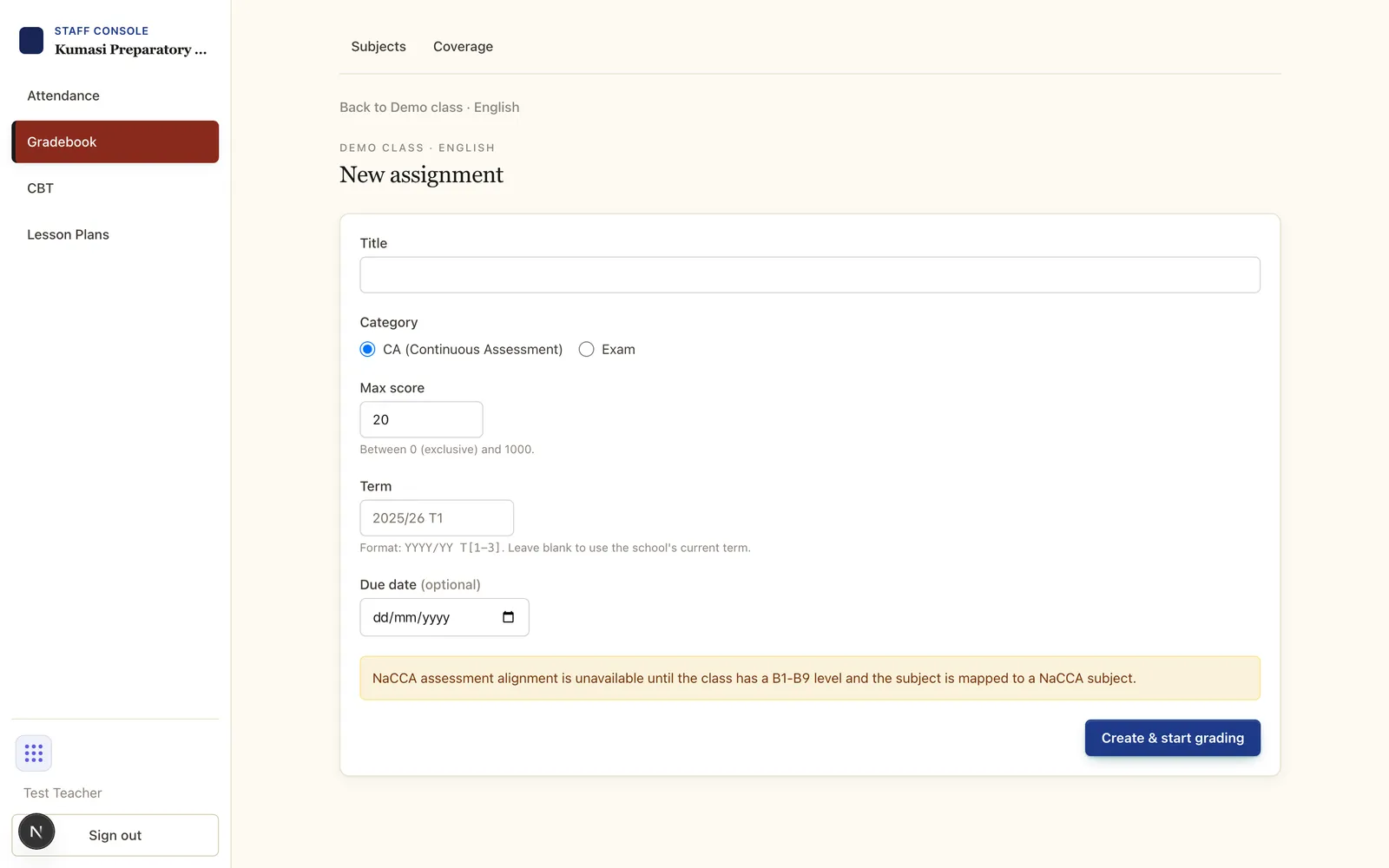
Every assignment is either Continuous Assessment (CA) or Exam. Your school sets how the two are weighted into the term grade (for example 30% CA / 70% Exam). You just tag each assignment correctly; the weighting is applied automatically on the report card.
Scores accumulate through the term. At term-end you finish grades and conduct, and the admin publishes the term — which locks grades and opens the report cards. That end-of-term flow is its own tutorial.
Email us and a real person on the Simusim team will get back to you. School staff can also reach us through their school's usual support channel.