Troubleshooting & FAQ
The fixes for the questions that come up most often. Each one tells you exactly where to look and what to press.
Quick answersBookmark thisReal support too
The fixes for the questions that come up most often. Each one tells you exactly where to look and what to press.
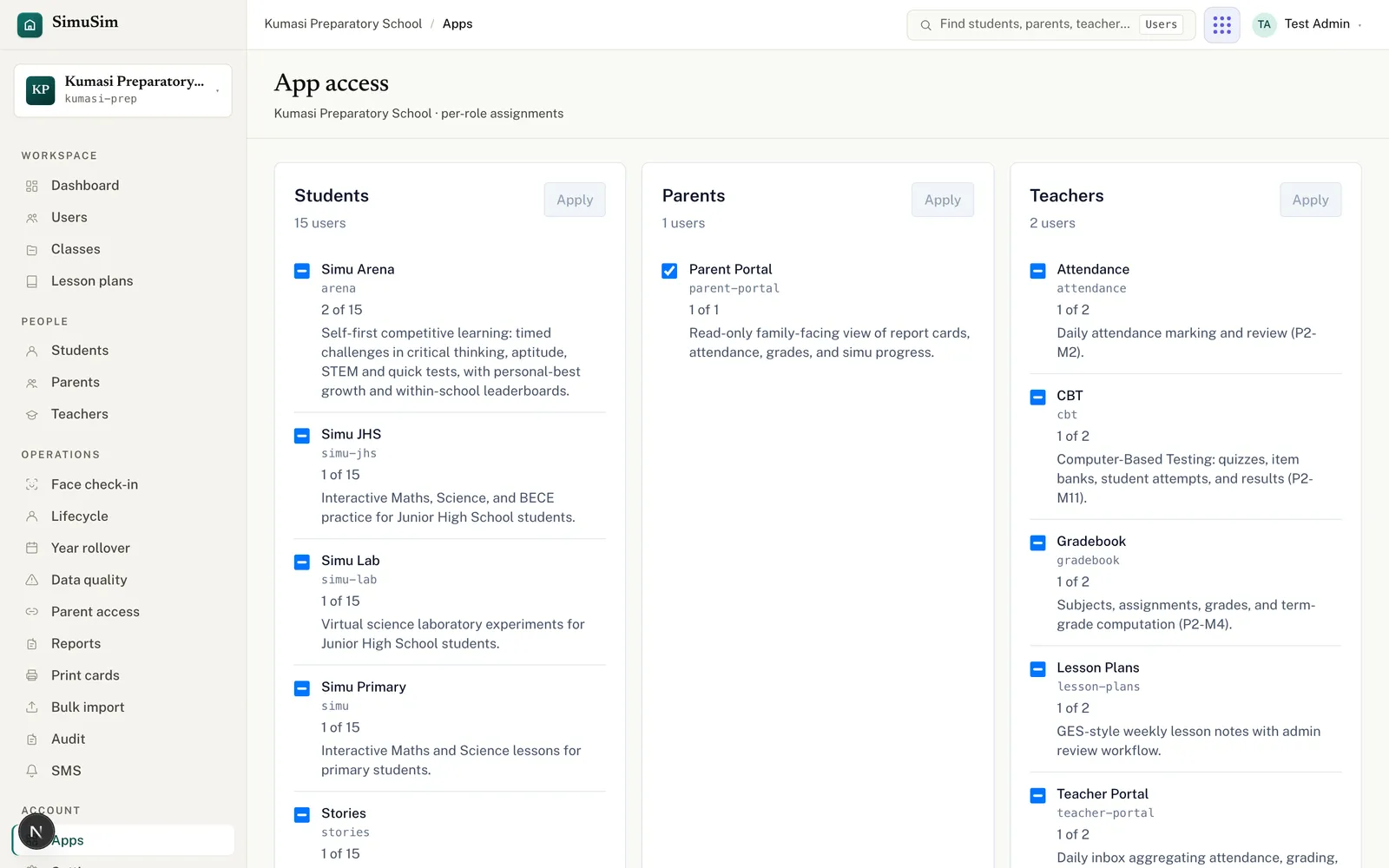
App access has three layers — check them in order:
PINs are never stored in readable form, so a card only shows the PIN within about 15 minutes of the account being created or the PIN being reset. For an older account, reset the PIN first (Users → Reset PIN on the row), then print — the card comes out complete. See PIN resets.
After repeated wrong PINs an account locks. A school admin can clear it: open the user and use the Unlock account action, or simply Reset PIN to issue a fresh one and print a new card.
Almost always the current academic year and term aren't set. Open Settings, set Current academic year (2025/26) and Current term, and Save. Classes, gradebooks and imports all key off this. See the setup walkthrough.
Check, in order:
More in SMS & announcements.
Two reasons. If you see "Term calendar missing", add the term in Settings → Term calendar first — that's a hard block. If it's complaining that students are missing grades, conduct or comments, that's advisory: finish what you can, then tick Publish anyway. Full flow: Report cards & publishing.
The upload step rejects files that are missing the required columns (given_name, family_name), have more than 500 rows, or are over 2 MB — and the message says which. Fix the file and re-upload. Per-row problems (e.g. an invalid phone) show on the preview step with an error you can correct. See bulk import.
Email us and a real person on the Simusim team will get back to you. School staff can also reach us through their school's usual support channel.